
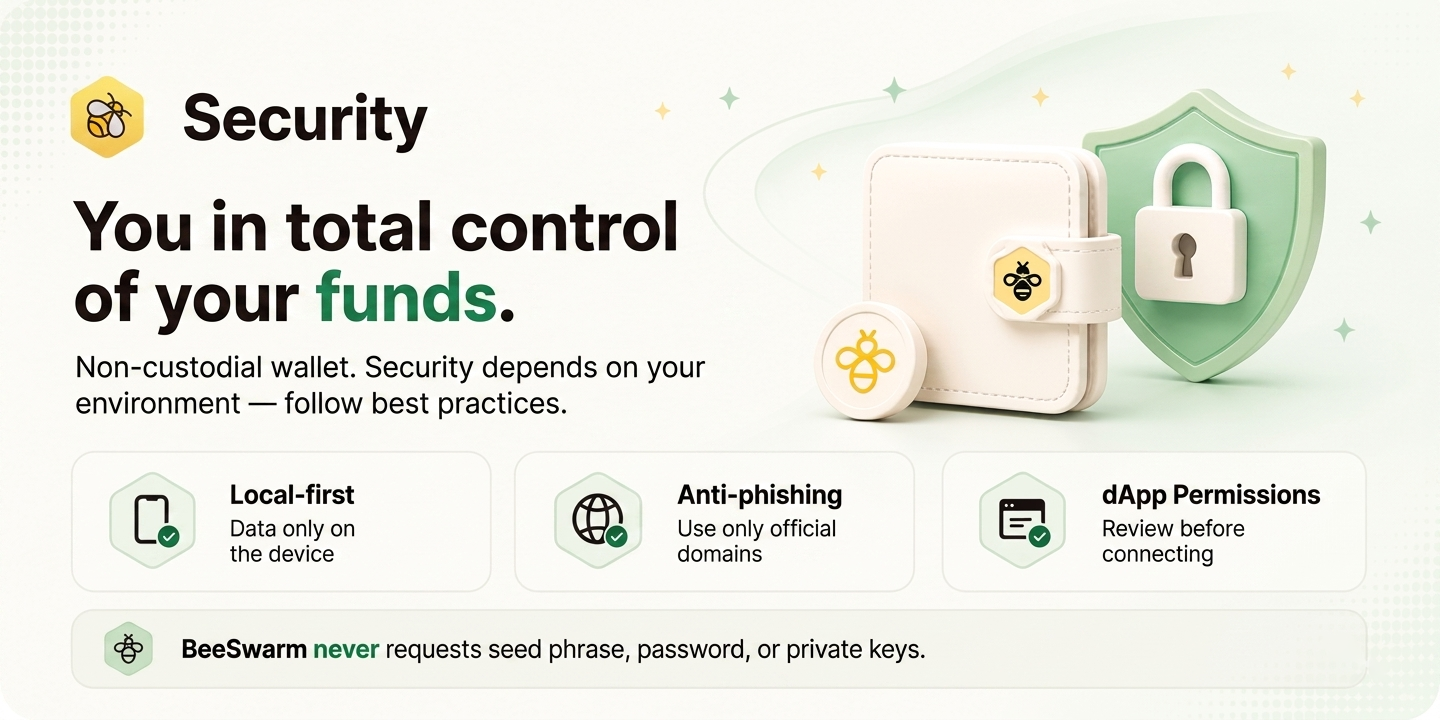
 BeeSwarm was created to give you full control over your funds. As a web application (PWA), it works in any browser and device — but this also means that the security of your environment is the security of your funds. Follow the recommendations below to keep your wallet protected.
Non-custodial wallet
BeeSwarm is a non-custodial wallet. No server stores your password, seed phrase, or private keys — everything is saved locally on your device.Protect your seed phrase
Your seed phrase is the master key to your wallet. Write it down on paper, store it in a safe and offline location, and never share it with anyone — not even BeeSwarm support.Never make a digital backup of your seed phrase
Do not photograph it, save it in phone notes, send it via message, or store it in cloud services like Google Drive, iCloud, or Dropbox. Any unauthorized access to these services immediately compromises your funds. The only safe way to store your seed phrase is written on paper, offline, in a safe physical location.Multiple accounts, one seed phrase
If you use multiple accounts in BeeSwarm, all of them are derived from the same seed phrase. This means that compromising the seed compromises all accounts and all funds at once. Keep it safe regardless of which account you are actively using.Recommended use: mobile in standalone mode
We strongly recommend using BeeSwarm on mobile, installed in standalone mode — added to the home screen as an app. This mode isolates the app from the browser, reduces the attack surface, and adds an extra layer of protection. To install in standalone mode, use only official and well-known browsers: Safari, Chrome, Opera, or Firefox. We do not recommend installing from beta browsers, test builds, or browsers of unknown origin.Being in standalone mode does not guarantee full security if the device itself is not secure. But on a secure device, it adds an extra layer of protection.
Mobile devices
General recommendations
- Use an updated device — each manufacturer update fixes real vulnerabilities. Old devices, without support or without the latest security updates, increase risk.
- Avoid using BeeSwarm on devices that have undergone external repairs — especially if the software was reinstalled by someone other than the official manufacturer.
- Do not use BeeSwarm inside WebViews injected into other native applications.
iOS
We do not recommend use on devices with jailbreak. If you performed the jailbreak and fully understand its security implications, evaluate carefully before using. We do not recommend use if the device has profiles installed — such as third-party fonts, unknown corporate email profiles, AI automations, performance monitors, or any profile of unverified origin. We do not recommend opening or installing BeeSwarm from TestFlight apps or test environments. Although TestFlight is from Apple, beta projects may introduce risks to the device and your funds.Android
We do not recommend use on devices with root. Take precautions if the device has applications installed outside official stores, or apps — even from the store — that are not from verified companies. This includes cache cleaners, app uninstallers, performance monitors, or any app that monitors other applications and is not from a recognized company like Google or Microsoft.Screen recorders and video editing
Avoid recording the BeeSwarm screen with third-party recording apps. These apps may send recorded content to external servers — and if your seed phrase, private key, or balance is visible in the video, your funds may be compromised. Use only the native screen recorder that comes pre-installed by the manufacturer. The same applies to video editing apps that automatically upload content to their own servers. By importing a video with sensitive wallet information, you may be sending that content to third parties without realizing it.Enable biometric authentication
Enable biometric authentication to protect access to the app. On compatible modern devices, biometrics use security built directly into the device by the manufacturer — an extremely difficult layer to break or forge. Using BeeSwarm on a biometric-compatible device without enabling it is not recommended. The manual password works, but biometrics offers significantly superior protection. Learn more at Biometrics.Desktop use
BeeSwarm works in desktop browsers, but we recommend using it on mobile. If you choose desktop:- Use a secure machine with an updated operating system.
- Do not use browsers with unknown extensions installed — especially extensions that read page content, monitor traffic, or inject scripts.
- Prefer opening BeeSwarm in a window without active extensions, or in a clean browser profile.
- We do not recommend use in browsers marketed as “fast” or in beta versions.
Network
- Always use a secure and trusted Wi-Fi network. Avoid public or open networks when using BeeSwarm.
- Home networks protected by a password are the minimum recommended.
- Regarding VPN: VPN use does not introduce known vulnerabilities for BeeSwarm, but it does not replace the other precautions above.
Use only the official address
Always access BeeSwarm through the official domains:- wallet.beeswarm.app — main application
- beeswarm.app
- beeswarm.com.br
Note: The previous address mobile.beeswarm.app still works and will not be removed immediately. However, all new users should use wallet.beeswarm.app. The old address will be gradually phased out.Do not access or install the app from unknown links, redirects, or domains that are not official BeeSwarm subdomains.
Beware of phishing and scams
Web3 is an environment with a high rate of scam attempts. Watch out for:- Fake links on social media posing as BeeSwarm
- Telegram, Discord, or WhatsApp groups pretending to be official support
- Airdrops or promotions asking you to connect your wallet or enter your seed phrase
- Sites with similar but different domains — such as
beeswarrn.apporbee-swarm.app
Official BeeSwarm channels
BeeSwarm has official communication channels. Any group, profile, or channel outside this list is not official and does not represent the BeeSwarm team:Devices not recommended
We do not recommend using BeeSwarm in the following contexts:- Counterfeit devices — such as fake iPhones or smartwatches simulating original products
- Vehicle multimedia screens, especially from brands with a history of collecting user data
- Tablets or entertainment screens on public transport or airplanes
- Any shared or public device